
RightMatch + SmartRecruiters
Connect RightMatch to SmartRecruiters in two clicks. AI-screened candidates, scorecards, transcripts, and hire data flow back to your system of record automatically.
Step-by-step setup
Install the RightMatch app in your SmartRecruiters workspace, connect your RightMatch account, and start sending AI interviews from any candidate record.
- 1Step 1
Install RightMatch in SmartRecruiters
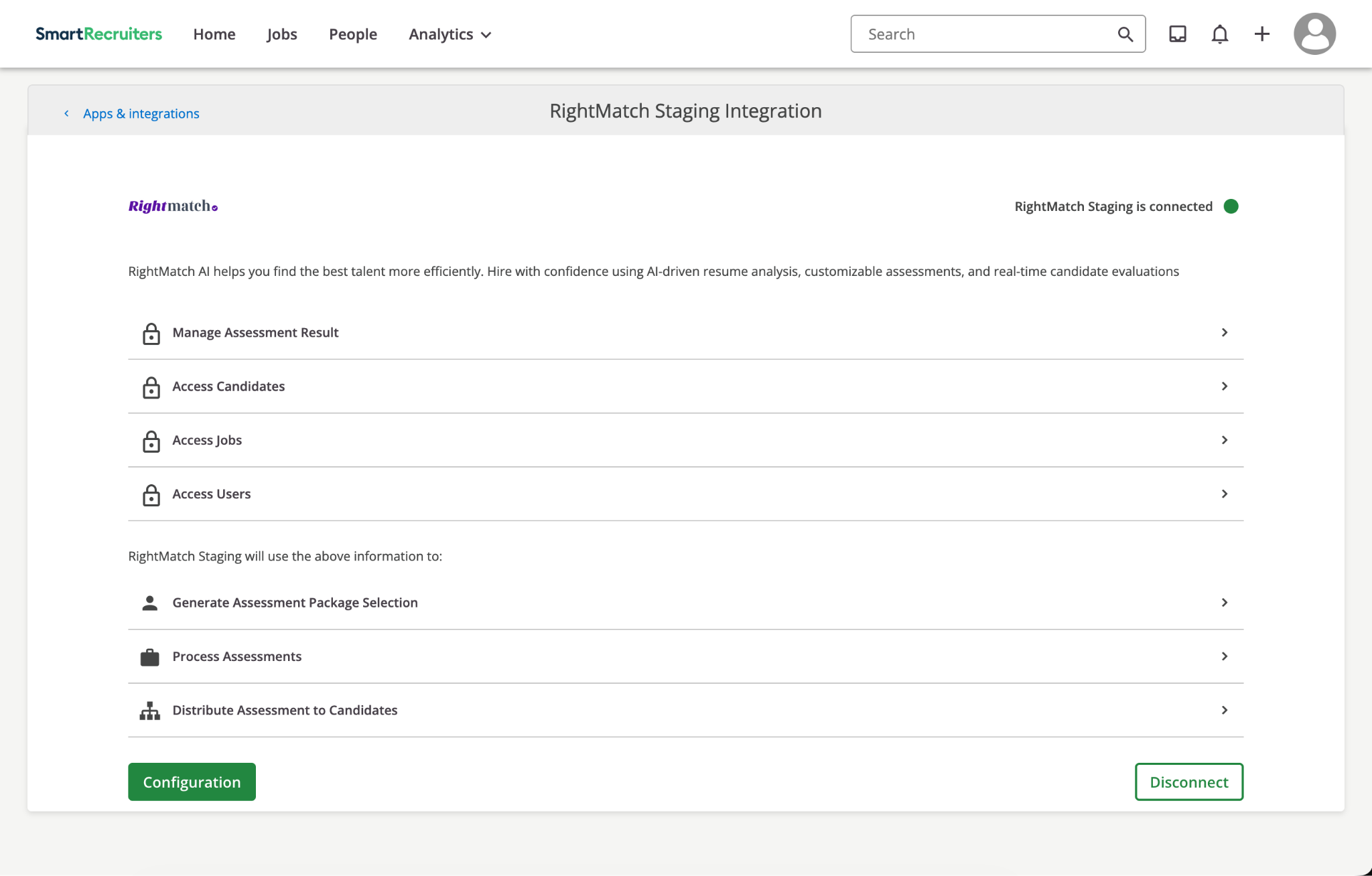
From your SmartRecruiters Apps & integrations marketplace, install RightMatch and approve the access scopes. Once installed, click Configuration to start the connection.
- 2Step 2
Connect your RightMatch account
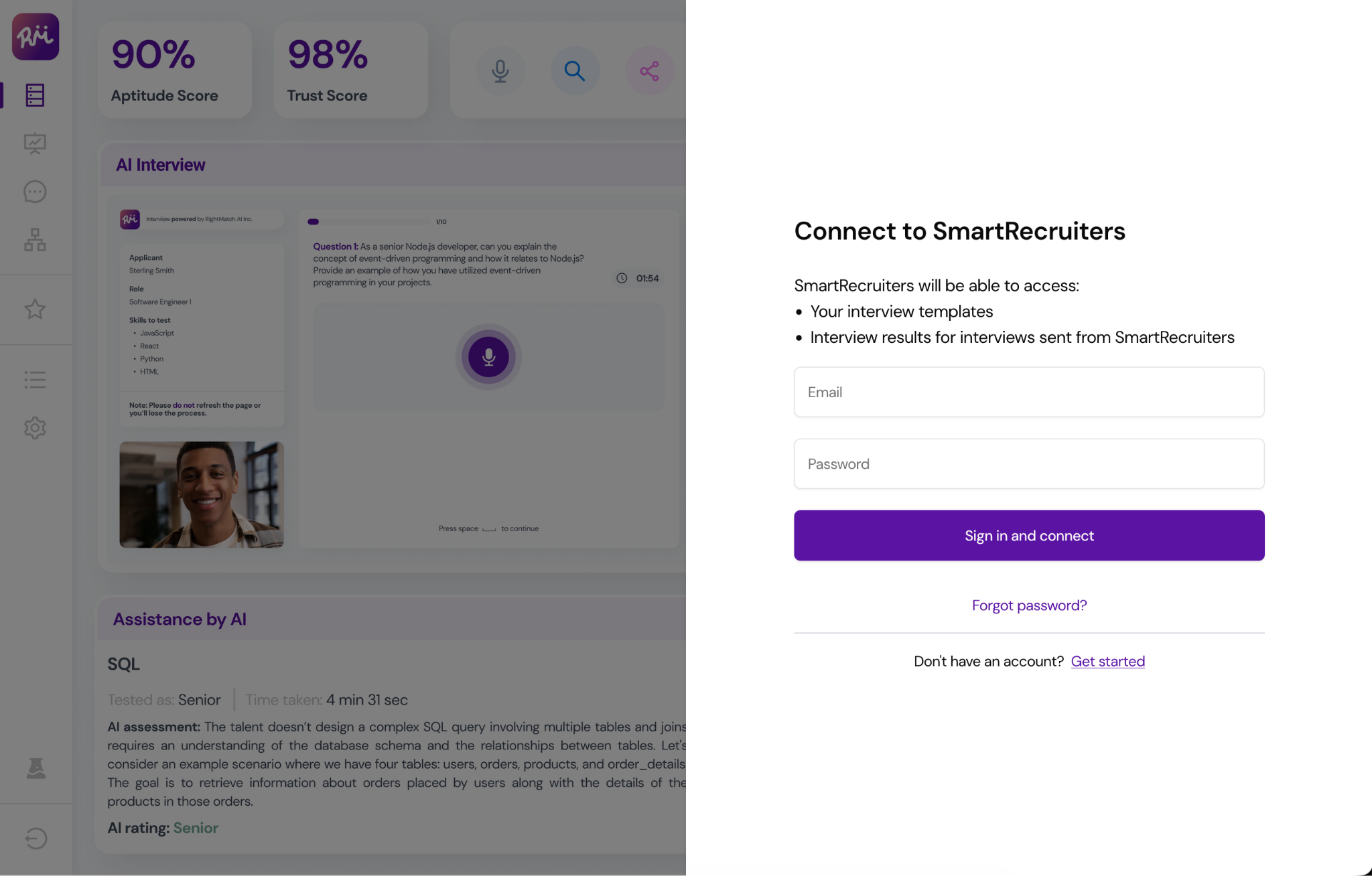
Sign in with your RightMatch credentials to complete the two-way handshake. SmartRecruiters can now read your interview templates and post results back automatically.
- 3Step 3
Order an assessment on any candidate
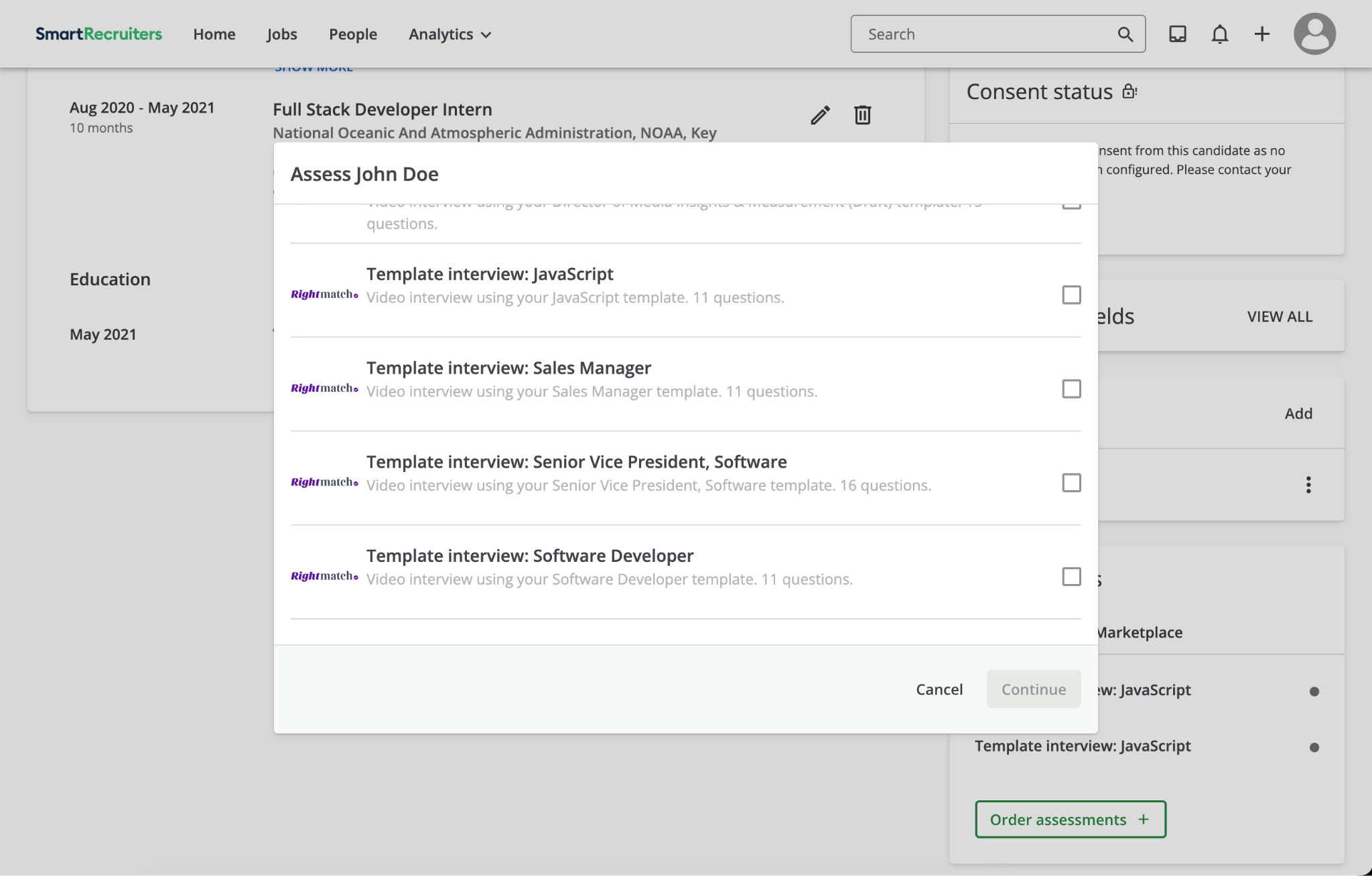
Open a candidate in SmartRecruiters and click Order assessments. Pick a RightMatch template — manually, or auto-trigger it by moving candidates into a configured hiring step.
- 4Step 4
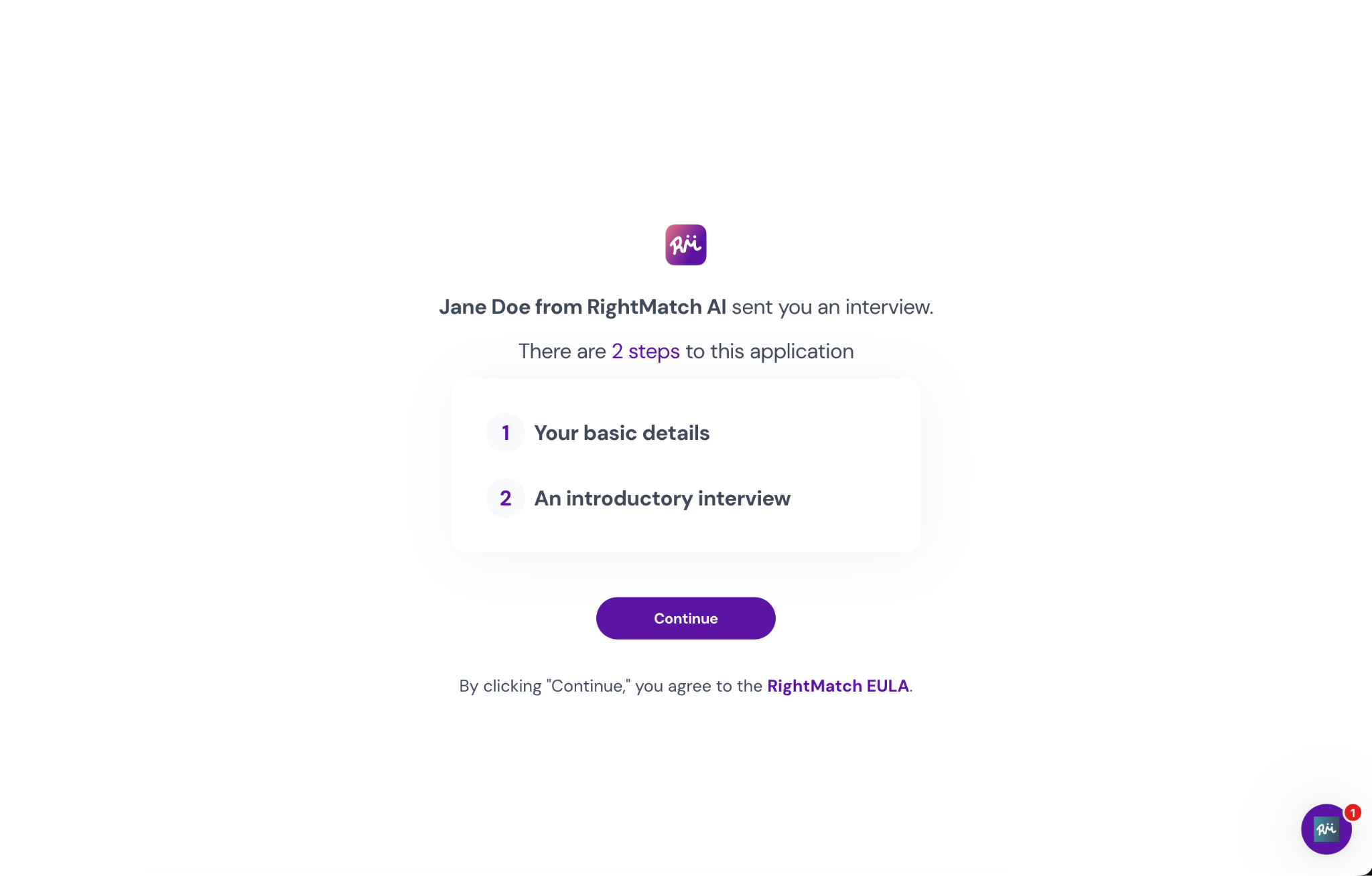
Candidate receives a branded invite
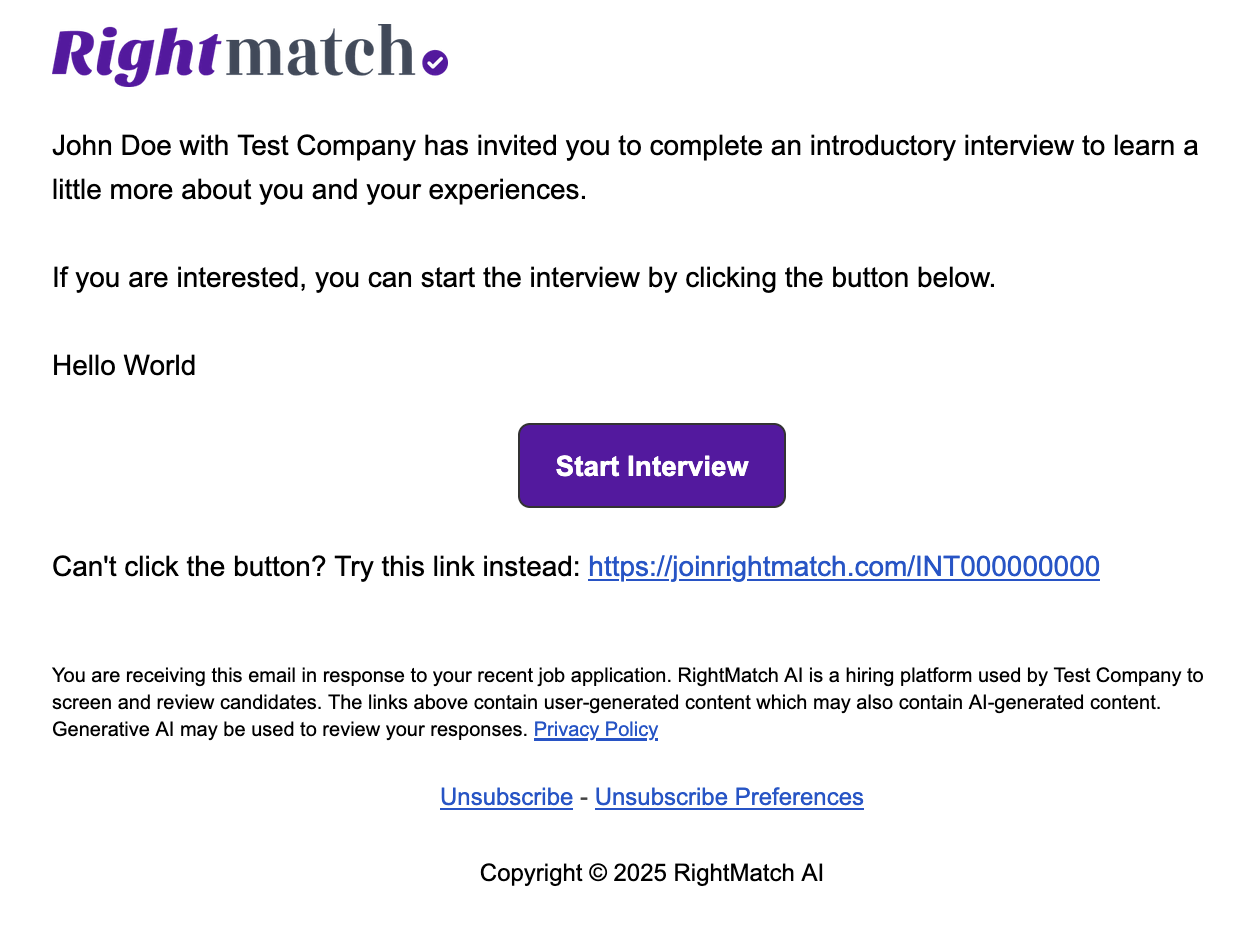
RightMatch emails the candidate with a one-click link to start the interview. No login required, mobile-friendly out of the box.
- 5Step 5
Results post back to SmartRecruiters
Candidates complete a short two-step flow: basic details, then the AI interview. Scores, transcripts, and the full assessment land directly on the candidate record in SmartRecruiters.
The data that flows between RightMatch and SmartRecruiters.
Candidates
Every applicant in RightMatch shows up in SmartRecruiters with AI screen status and match score.
Jobs
Pull open reqs from SmartRecruiters or push new RightMatch roles back as published listings.
Scorecards
AI-filled scorecards write back to SmartRecruiters debrief panels with cited evidence.
Transcripts
Full interview transcripts attached to the candidate record in SmartRecruiters.
Hires
Offer-stage handoff back to SmartRecruiters for offer letter, e-sign, and onboarding.
Audit trail
Every sync logged on both sides -- defensible for compliance review.